How to create a Cherished Family Storytime Routine

In a world filled with screens, busy schedules, and never-ending to-do lists, carving out intentional family time can be a challenge. But there’s one simple, powerful tradition that can bring your household closer while nurturing imagination, empathy, and literacy: daily story-time.

Whether you have toddlers, teens, or a mix of ages in your home, incorporating a story into your family’s daily rhythm can be more than just a bedtime ritual—it can be a grounding moment of connection, calm, and creativity.

Why Storytime Matters

Storytime isn’t just for little ones. Here are a few reasons why families of all shapes and sizes benefit from it:

  • Strengthens Bonds: Sharing stories together encourages closeness, cuddles, and conversation. It’s a time to slow down and truly be present with one another.
  • Builds Literacy and Listening Skills: Reading aloud introduces new vocabulary, sparks questions, and develops comprehension—no matter your child’s age.
  • Fosters Imagination and Curiosity: From dragons and distant planets to real-world heroes, stories help children envision new possibilities and perspectives.
  • Creates Consistent Calm: A daily ritual like story-time can provide a comforting sense of structure, especially helpful during times of transition or stress.
Tips for Creating a Daily Storytime Routine

Here’s how to make story-time a seamless—and special—part of your day:

1. Pick a Time That Works for You

While bedtime is a natural choice, storytime can happen anytime: after dinner, during breakfast, or even right after school. The key is consistency. Pick a time that fits into your family’s routine and try to stick with it daily.

2. Make It a Screen-Free Zone

Create a cozy atmosphere by turning off TVs and phones. Let this time be about voices, pages, eye contact, and imagination. Even just 10–15 minutes without distractions can make a big impact.

3. Get Everyone Involved

Let kids pick the book. Invite older siblings to read aloud or act out parts. Take turns doing silly voices. When storytime feels like a collaborative adventure, it becomes something everyone looks forward to.

4. Curate a Special Reading Spot

A designated nook, pile of blankets, or a reading tent can add a little magic to the routine. Even a corner with a lamp and a comfy chair can signal that it’s story-time.

5. Mix It Up

Read picture books, chapter books, comics, poetry—even audiobooks together on road trips. The key is variety and choosing stories that resonate with your child’s interests and developmental level.

What If My Child Is “Too Old” for Storytime?

Even tweens and teens enjoy being read to when the content is engaging and age-appropriate. Choose stories that spark meaningful conversations—graphic novels, dystopian fiction, biographies, or even nonfiction about topics they love. You might be surprised how much they still crave this quiet, intentional time.

Final Thoughts

Storytime doesn’t have to be perfect. Some nights might be rushed. Some books might flop. But the goal isn’t perfection—it’s presence. By carving out this time every day, you’re not just building vocabulary or literacy. You’re building memories, connection, and a shared family culture that values stories, imagination, and time together.

So tonight, pick a book, gather close, and let the story begin!
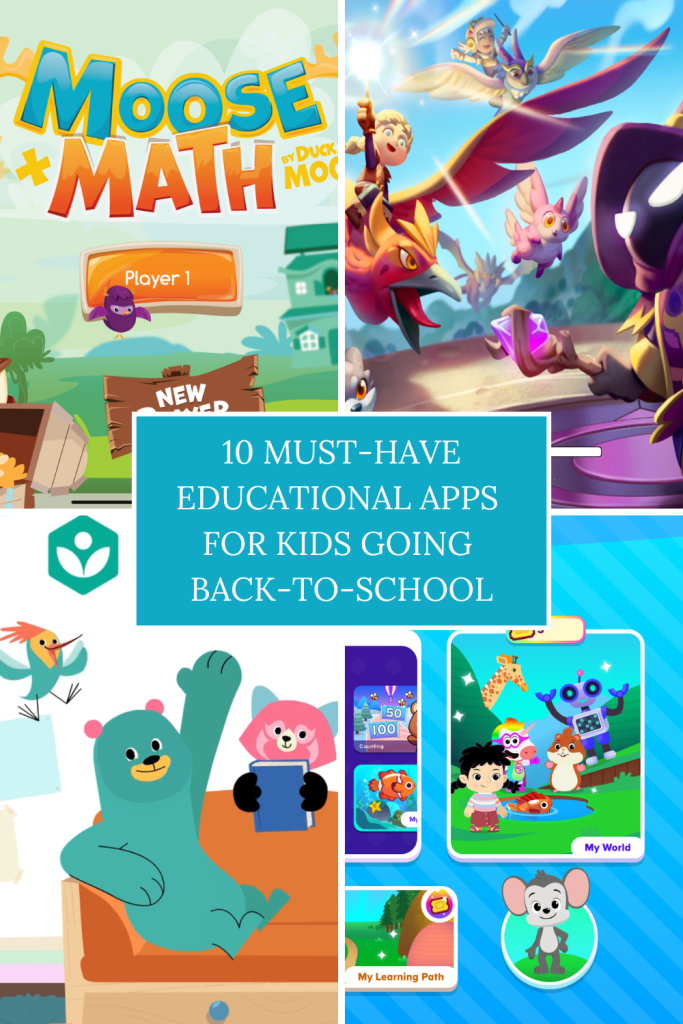
10 Must-Have Educational Apps for Kids Going Back to School (2025)

As the new school year kicks off, many parents and teachers are looking for ways to keep kids engaged, learning, and motivated — both in and out of the classroom. Thankfully, educational apps can bridge the gap between fun and learning, helping children sharpen their skills in math, reading, science, and even social-emotional development.

Here are 10 highly recommended educational apps for kids heading back to school in 2025 — suitable for a range of ages and subjects.

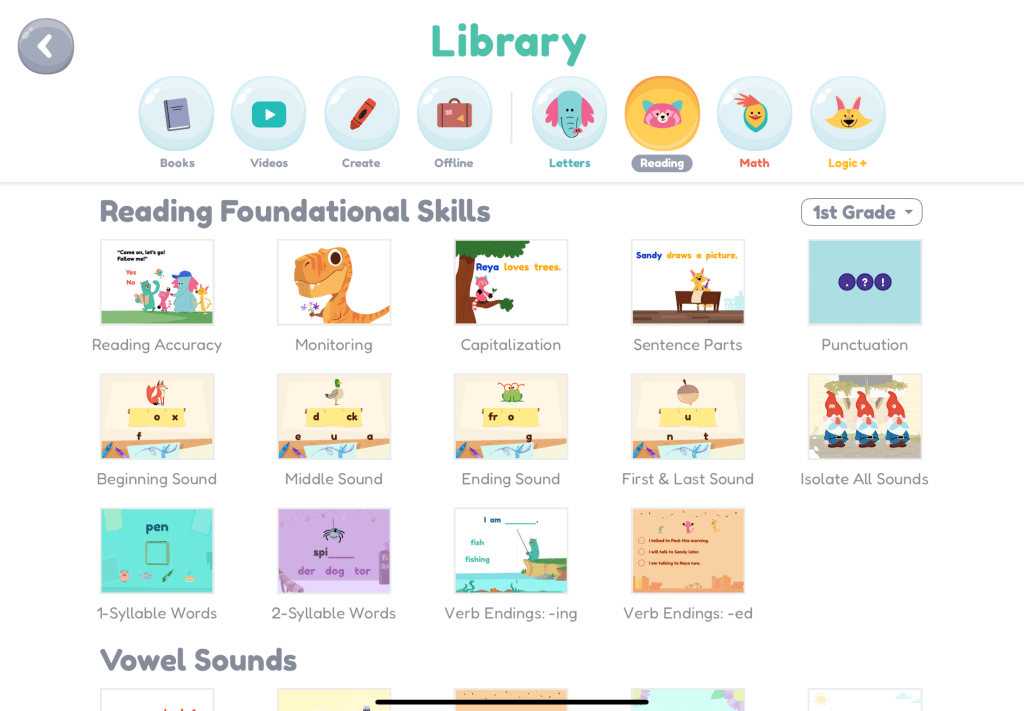
1. Khan Academy Kids (Ages 2–8)

Subjects: Reading, Math, SEL, Logic.
Why it’s great: This award-winning, free app covers a wide range of topics through colorful characters, story-based lessons, and hands-on activities. Perfect for preschool and early elementary learners.
Price: Free.
Available on: iOS, Android.

2. Prodigy Math (Ages 6–12)

Subjects: Math.
Why it’s great: Combines curriculum-based math practice with a fantasy-style role-playing game. Kids solve math problems to battle monsters and complete quests.
Price: Free with premium options.
Available on: Web, iOS, Android.

3. Duolingo ABC (Ages 3–7)

Subjects: Early Reading & Phonics.
Why it’s great: From the makers of Duolingo, this app helps young children develop basic reading skills with bite-sized lessons, traceable letters, and no ads.
Price: Free.
Available on: iOS, Android.

4. Moose Math (Ages 3–7)

Subjects: Counting, Addition/Subtraction, Number Patterns, Geometry, Measurement.
Why it’s great: Moose Math uses fun, interactive games like smoothie-making and pet bingo to teach math skills. It offers personalized feedback and encouragement as kids play. Children earn rewards to decorate their own city, keeping them motivated. The app follows Common Core standards for kindergarten and first grade and includes progress tracking for parents and teachers.
Price: Free. No ads or in-app purchases.
Available on: iOS, Android.

5. Toca Boca Jr. (Ages 6–12)

Subjects: Creativity, Storytelling, Imaginative Play.
Why it’s great: While not strictly academic, this app encourages creativity, emotional expression, and storytelling — all key developmental skills.
Price: Free with in-app purchases.
Available on: iOS, Android.

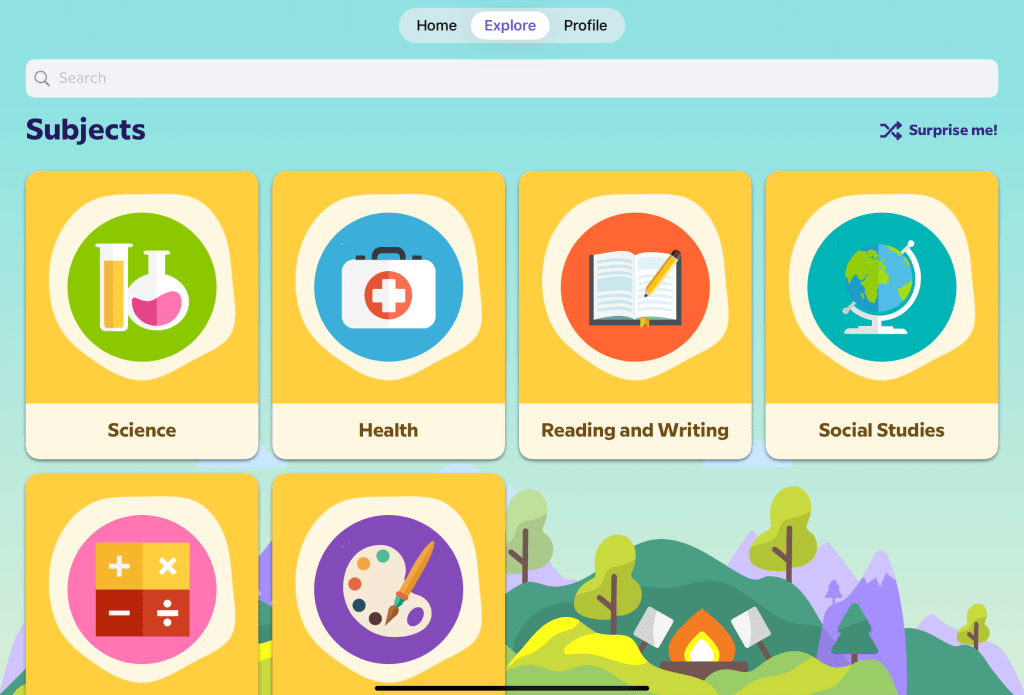
6. BrainPOP Jr. (Ages 5–9)

Subjects: Science, Social Studies, Reading, Health.
Why it’s great: Animated videos, short quizzes, and interactive games make big topics easy to understand. Used widely in schools.
Price: Subscription required (some free content).
Available on: iOS, Android, Web.

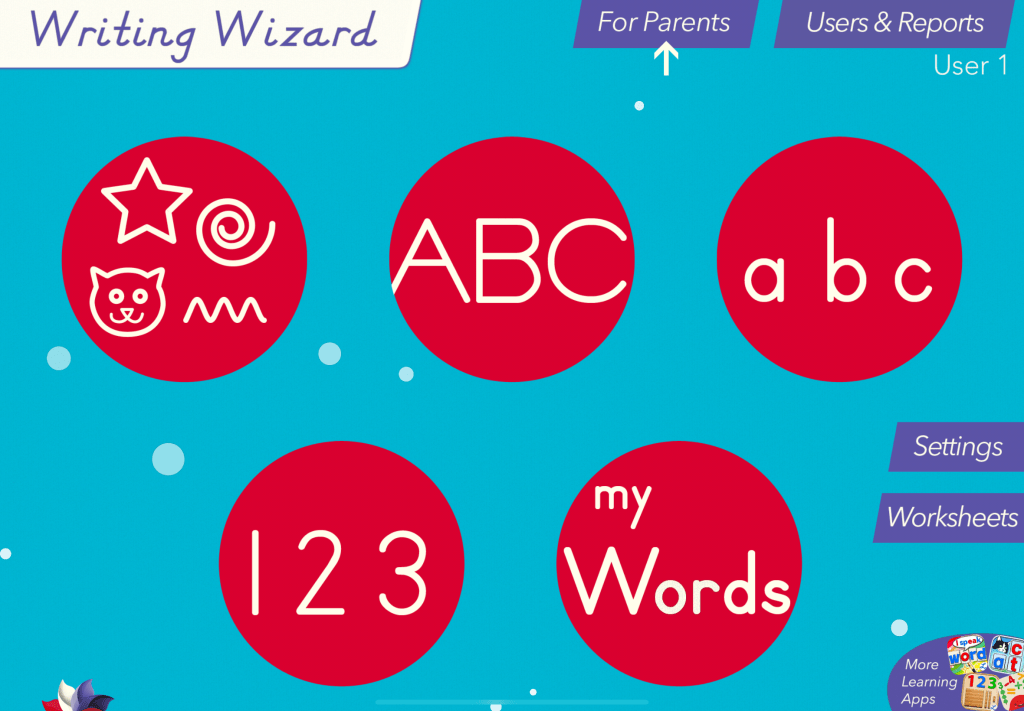
7. Writing Wizard (Ages 4–8)

Subjects: Handwriting.
Why it’s great: Helps kids trace and write letters and words with audio feedback and customizable word lists. Great for early learners and special education.
Price: Paid app.
Available on: iOS, Android.

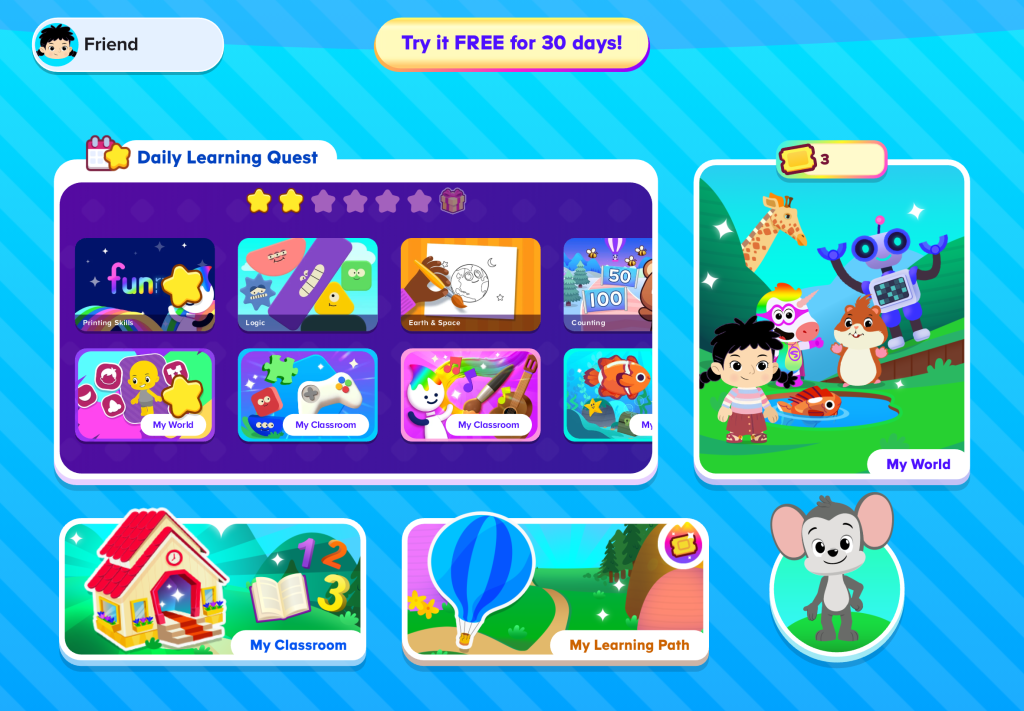
8. ABCmouse 2 (Ages 2–8)

Subjects: Math, Reading, Art, Music, Science.
Why it’s great: A full curriculum in one app — kids earn rewards as they progress through thousands of lessons across multiple subjects.
Price: Paid subscription (with free trial).
Available on: iOS, Android, Web.

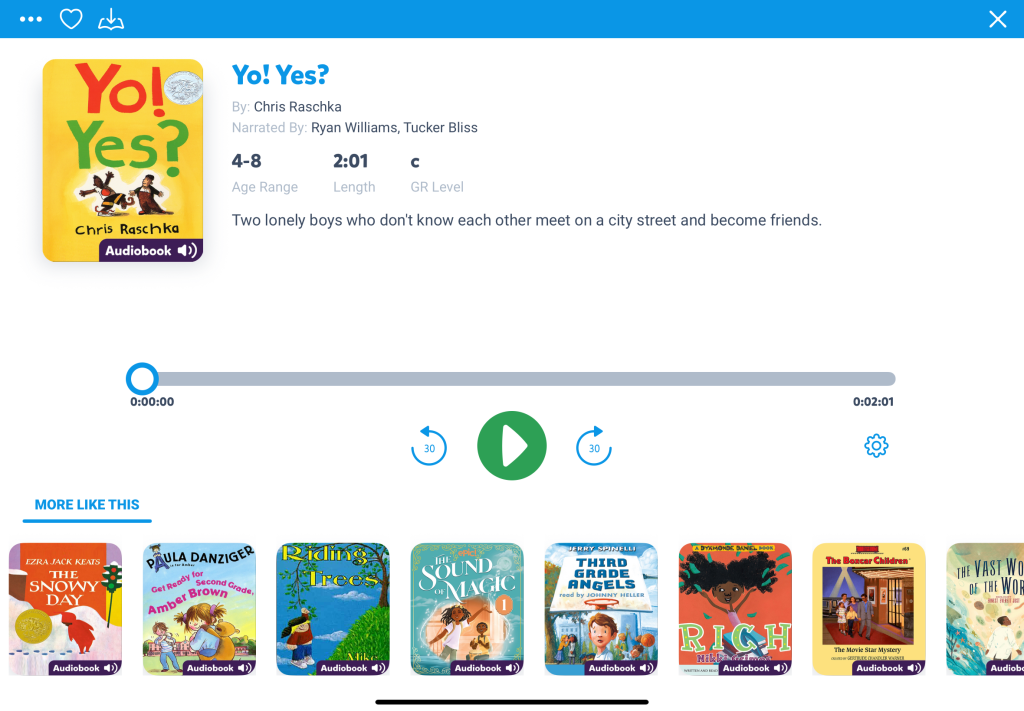
9. Epic! (Ages 5–12)

Subjects: Reading.
Why it’s great: A digital library of over 40,000 books, audiobooks, and videos — sorted by age, grade level, and interest. Great for reluctant or advanced readers.
Price: Free for educators, paid for parents.
Available on: iOS, Android, Web.

10. Sago Mini First Words (Ages 2–5)

Subjects: Speech and Language Development.
Why it’s great: Designed with speech therapists, this app helps toddlers and preschoolers expand their vocabulary through interactive play.
Price: Free trial, then subscription.
Available on: iOS.

Tips for Parents:
  • Set a daily screen time limit to encourage balance.
  • Use apps alongside real-life learning (e.g., reading books or practicing math at the grocery store).
  • Let kids choose topics that excite them — curiosity is the best teacher.

Whether your child is in preschool or upper elementary school, these apps can make back-to-school season a little smoother — and a lot more fun.

Do you have a favorite educational app you swear by? Share it in the comments!

How to Create a Family Media Plan That Works!

Let’s face it—technology is everywhere, and managing screen time has become one of the most common (and exhausting) conversations in modern parenting. But here’s the good news: creating a family media plan doesn’t have to feel like a battle. With a little structure and open communication, you can build a plan that supports healthy habits and keeps everyone in your home on the same page.

Here’s how to create a family media plan that actually works for your unique household.

What Is a Family Media Plan?

A family media plan is a shared set of guidelines that helps families manage how, when, and why media is used at home. It covers screen time, device use, content choices, and how tech fits into your family’s values.

Think of it as your household’s “tech mission statement” – designed to promote balance, protect mental health, and build trust between parents and kids.

Step 1: Involve the Whole Family

Before setting rules, include your kids in the conversation. Ask questions like:

  • What do you love doing online?
  • What shows or games make you feel good—or not so good?
  • How does screen time affect your sleep, school, or mood?

This opens the door to honest conversations and gives kids ownership in the plan, making them more likely to respect it.

Step 2: Set Clear (and Age-Appropriate) Limits

Every family is different, but here are some starting points to consider:

  • Preschoolers (ages 2–5): 1 hour per day of high-quality content.
  • Kids 6–12: Prioritize balance with homework, sleep, and play.
  • Teens: Encourage screen self-awareness and time boundaries.

💡 Pro Tip: Don’t just say “1 hour of screen time.” Be specific:
“30 minutes of games after homework, 30 minutes of YouTube before dinner.”

Step 3: Define Screen-Free Zones and Times

Boundaries work best when they’re simple and consistent. Try these:

  • 📵 No phones at the dinner table.
  • 😴 No screens 1 hour before bed.
  • 🚗 No personal devices in the car (unless it’s a road trip).
  • 🛋️ Family movie nights = no second screens.

Create tech-free zones in bedrooms, bathrooms, and family meals to encourage connection and reduce overuse.

Step 4: Focus on Quality, Not Just Quantity

Not all media is created equal. Help your kids:

  • Choose educational and enriching content.
  • Watch shows or play games that align with your family’s values.
  • Avoid content with heavy advertising, violence, or negative messaging.

Use resources like Common Sense Media to check ratings and reviews before watching something new.

Step 5: Keep the Conversation Going

A media plan isn’t “set it and forget it.” As your kids grow, their interests—and responsibilities—change too. Set aside time every few months to revisit the plan and adjust together.

Ask:

  • Is this plan still working for us?
  • What’s changed in your school, friendships, or schedule?
  • Are there new apps, games, or shows we should talk about?
Free Tools to Help You Get Started
  • American Academy of Pediatrics Media Plan Tool
  • Printable Media Contract for Kids & Teens
  • App/Screen Time Trackers like Apple Screen Time or Google Family Link
Sample Family Media Plan Rules

Here’s an example you can edit:

RuleWho It Applies ToNotes
No devices during mealsEveryoneEncourages family conversation
Screen time ends at 8 PMKids under 12To protect sleep hygiene
1 hour of screen time on school daysAll kidsHomework must be done first
Movies must be approvedKidsUse reviews or previews first
Unlimited educational gamesAllMust still include outdoor time
Final Thoughts

The goal of a family media plan isn’t to be overly strict—it’s to create a healthy, thoughtful relationship with technology. By setting expectations and checking in regularly, you can help your kids grow into mindful digital citizens and keep your household running a little smoother.

What Works for You?

Have you tried a media plan in your home? What rules or ideas helped your family the most? Share your thoughts in the comments—we’d love to hear your tips!