Cozy Up with These Fall-Themed Family-Friendly Video Games!

As the leaves turn golden and the air gets crisp, there’s something magical about fall. It’s a season made for warm drinks, fuzzy socks, and quiet moments together—and what better way to enjoy those moments than with a video game that captures the spirit of autumn?

Whether you’re cuddling up for a cozy family night or looking for screen-time that celebrates the season, these fall-themed video games offer gentle gameplay, cozy settings, and just the right amount of challenge for kids and grown-ups alike.

Here are our favorite family-friendly fall games that bring all the pumpkin-spiced vibes—without stepping on a single crunchy leaf.

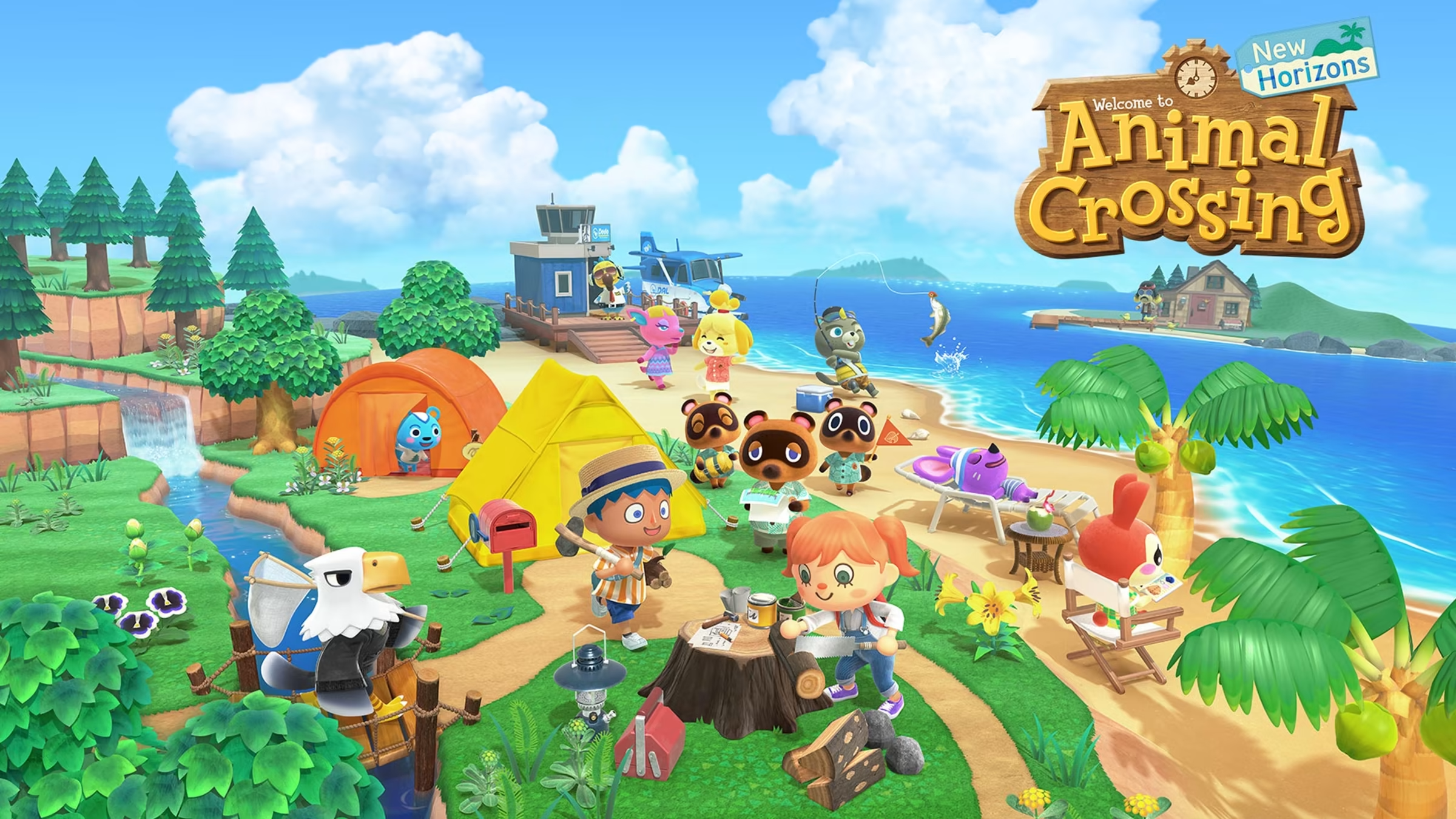
1. Animal Crossing: New Horizons
System: Nintendo Switch
Ages: 5+
Why it’s great:
This beloved life-simulation game is at its coziest in the fall. Harvest pumpkins, craft seasonal DIYs, rake leaves, and celebrate Halloween and Thanksgiving-style events. No rush, no pressure—just peaceful island life.

Fall feature: The whole month of October includes spooky decorations, costumes, and candy collecting.

2. Stardew Valley

System: PC, Switch, PlayStation, Xbox, Mobile
Ages: 10+
Why it’s great:
Farm, fish, mine, and make friends in this wholesome, open-ended farming game. Each in-game season brings its own charm, and fall is especially lovely with its deep colors, harvest festivals, and cozy atmosphere.

Perfect for: Kids who love creativity and parents who love peaceful gameplay.

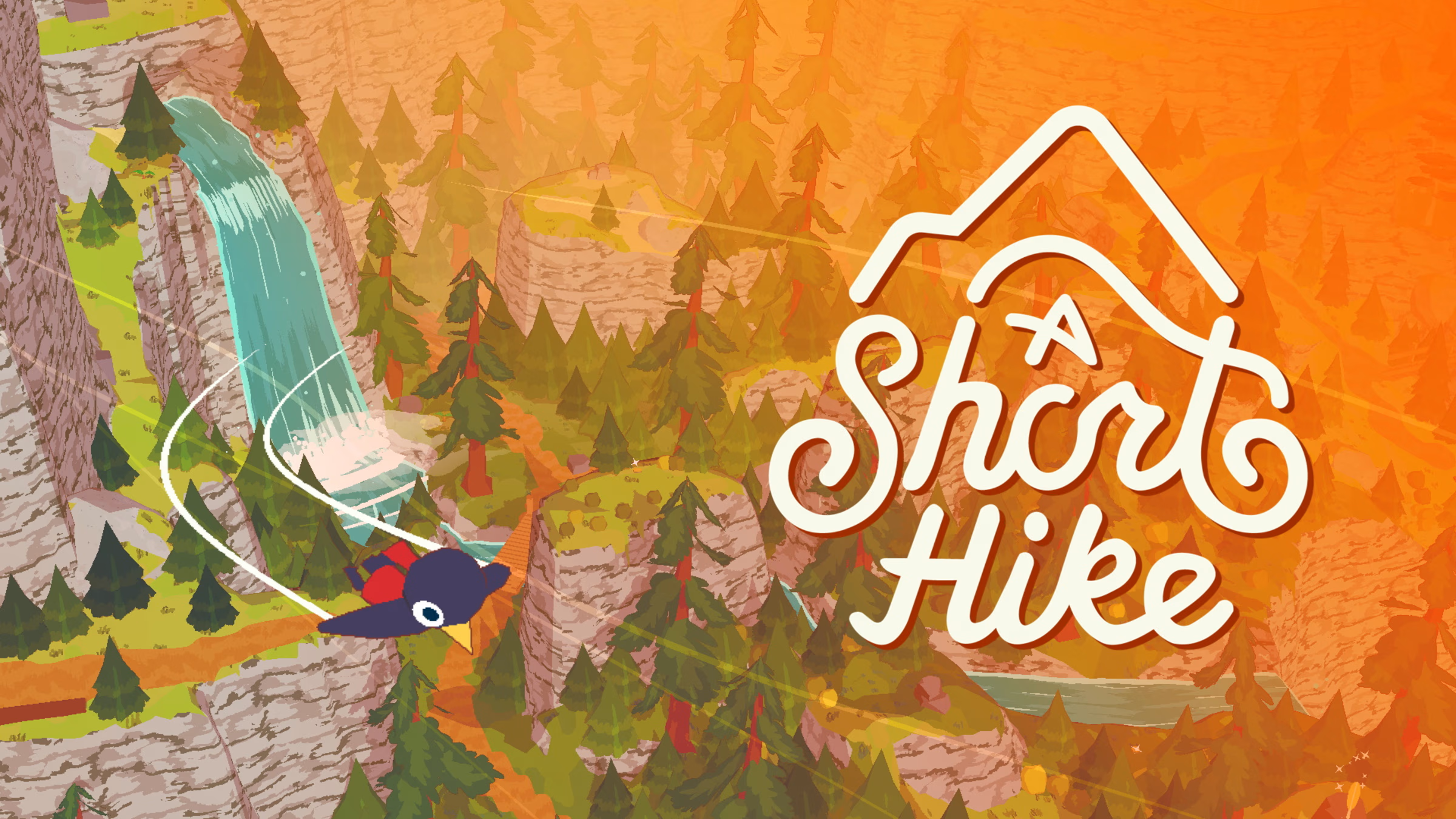
3. A Short Hike
System: Switch, PC, PlayStation, Xbox
Ages: 8+
Why it’s great:
This bite-sized adventure game follows a young bird hiking through autumn-colored forests to reach a mountain summit. It’s relaxing, heartwarming, and full of small, joyful moments.

Fall vibes: The music, colors, and gentle exploration feel like a walk through a quiet forest on a cool day.

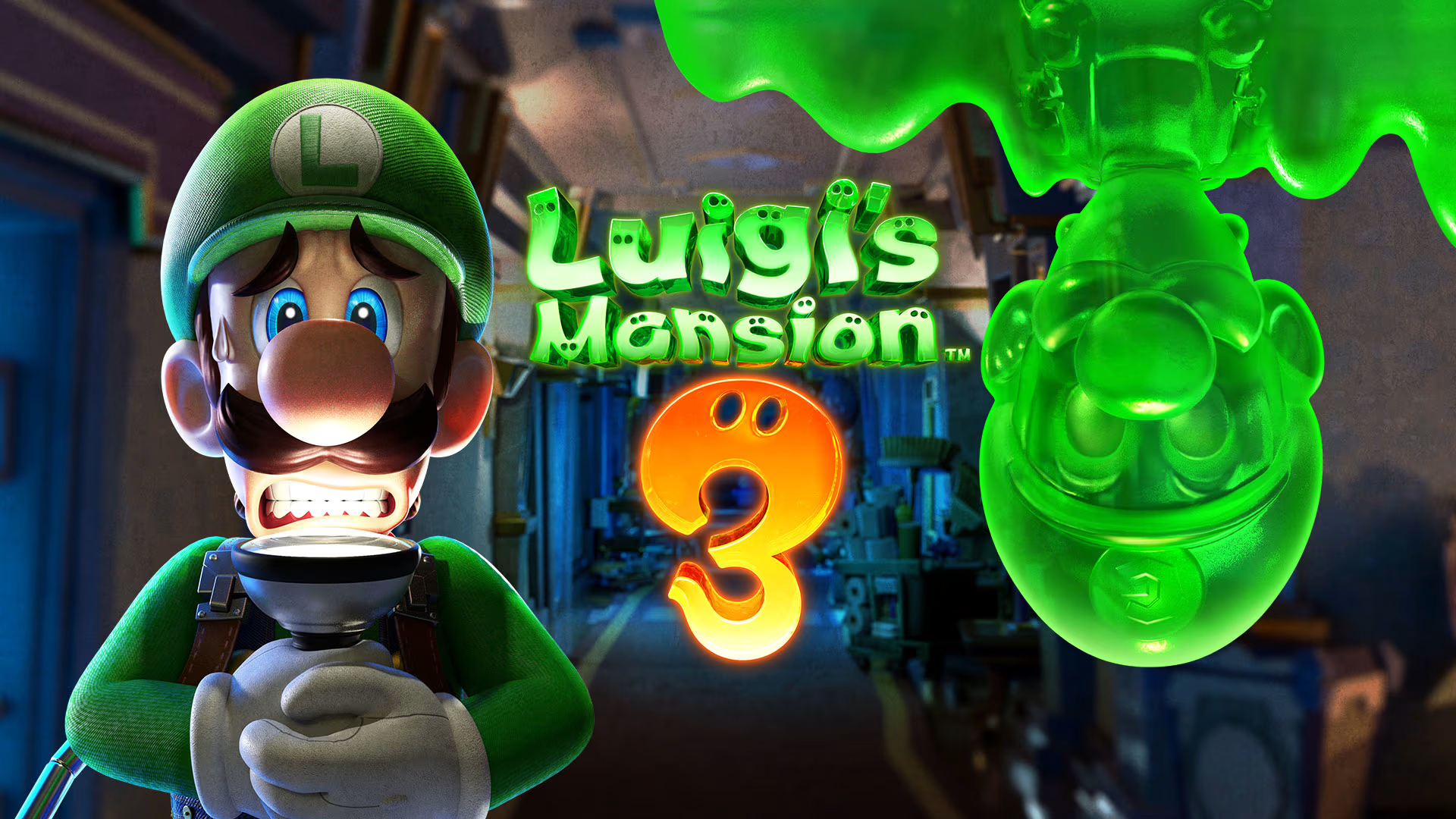
4. Luigi’s Mansion 3
System: Nintendo Switch
Ages: 7+
Why it’s great:
What’s fall without a little spooky fun? In this light-hearted ghost-hunting game, Luigi explores a haunted hotel to rescue his friends. It’s funny, clever, and packed with puzzles perfect for family teamwork.

Not-too-scary factor: Silly ghosts and cartoon-style humor make it fun, not frightening.

5. Cozy Grove
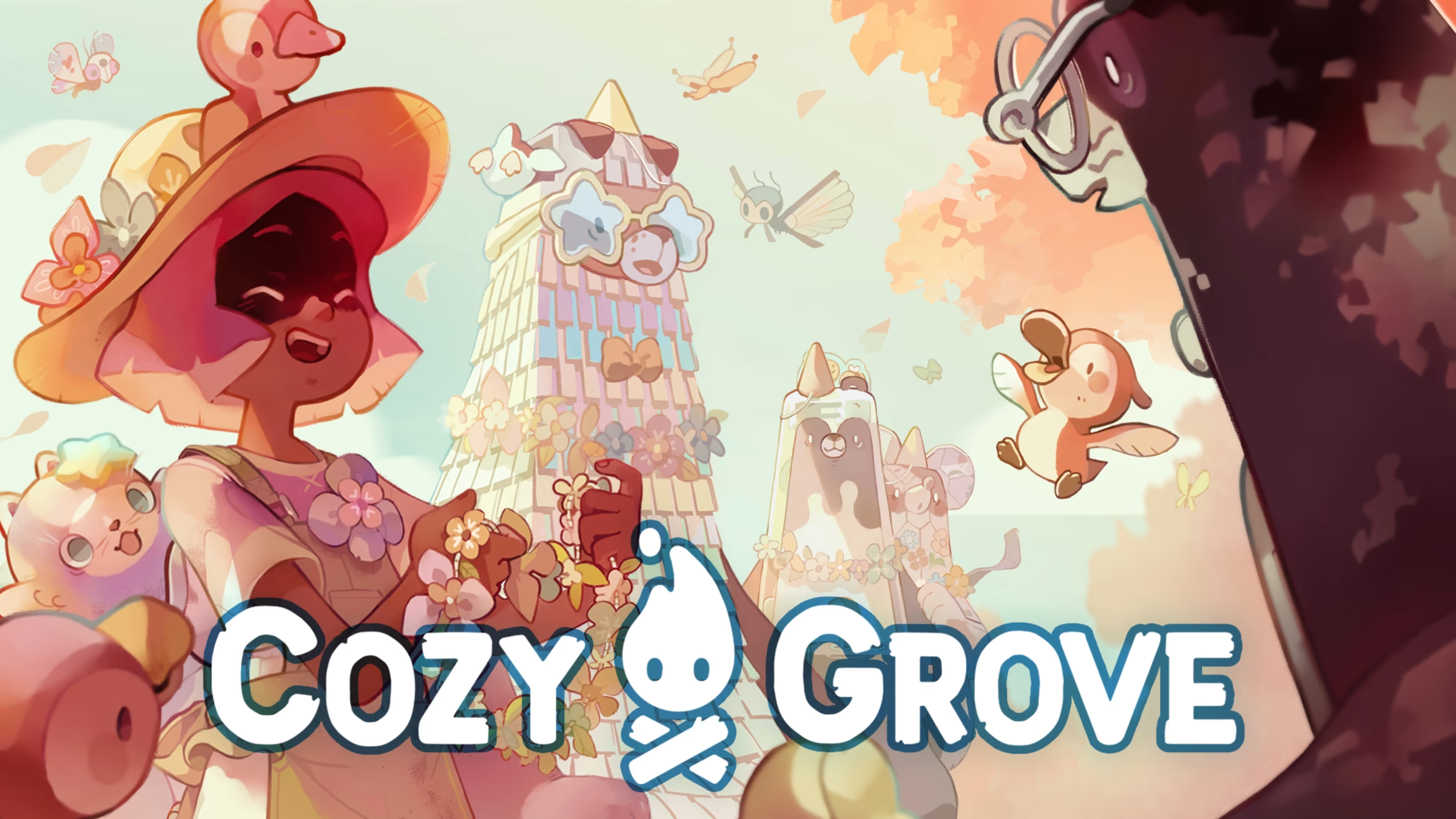
System: Switch, PC, PlayStation, Xbox, Mobile
Ages: 10+
Why it’s great:
A spiritual cousin to Animal Crossing, this game places you on a haunted—but heartwarming—island where you help ghostly creatures find peace. The hand-drawn art and seasonal changes make fall especially beautiful.

Why it’s cozy: It encourages daily play in short bursts, with gentle music and calming tasks.

6. Yoshi’s Crafted World
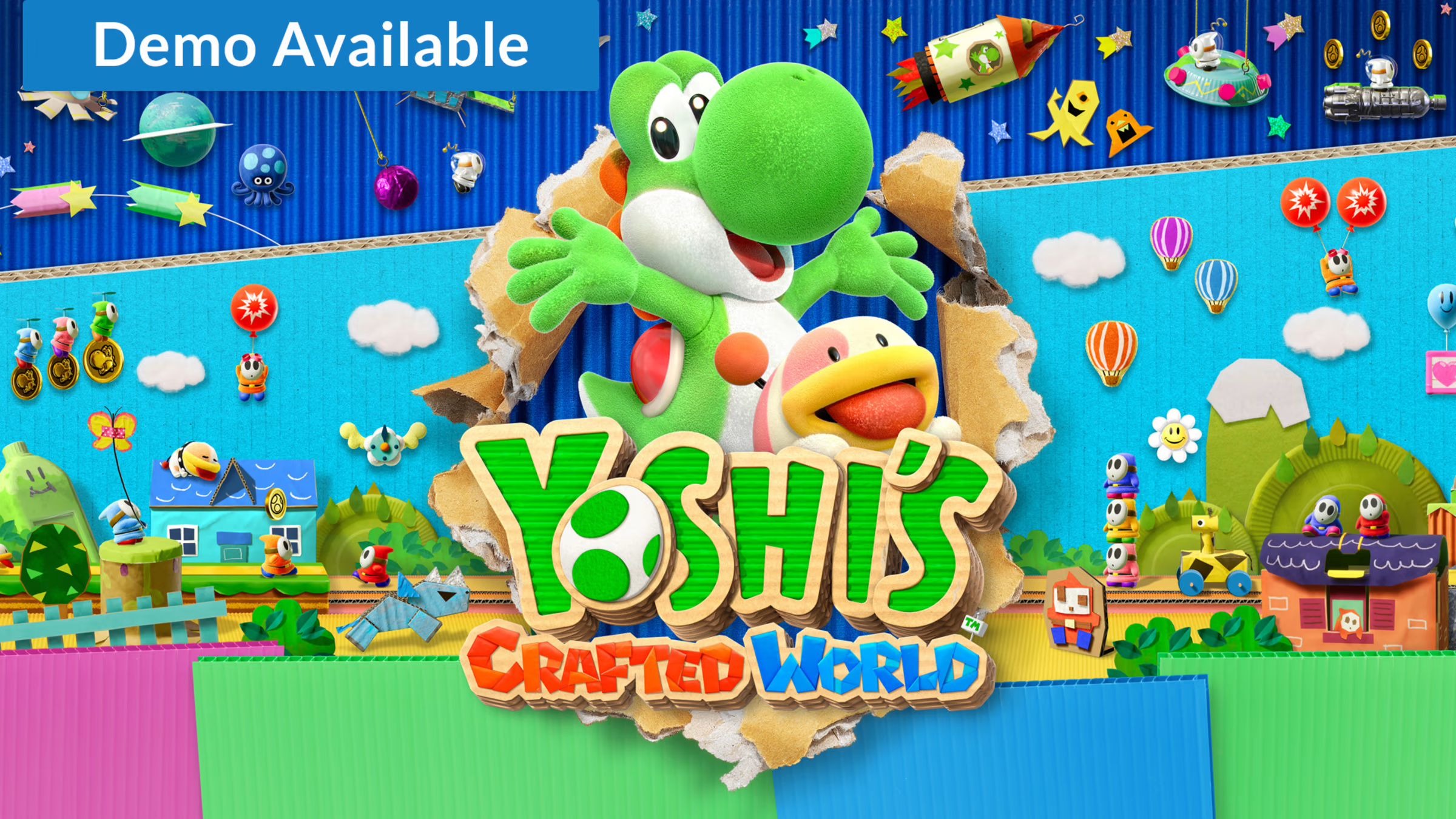
System: Nintendo Switch
Ages: 5+
Why it’s great:
Not fall-specific, but its warm, earthy visuals and handcrafted environments give off major autumn vibes. Kids will love guiding Yoshi through cardboard forests, yarn-wrapped hills, and paper-leaf paths.

Great for co-op: Two players can team up for extra fun and less frustration.

7. Spiritfarer
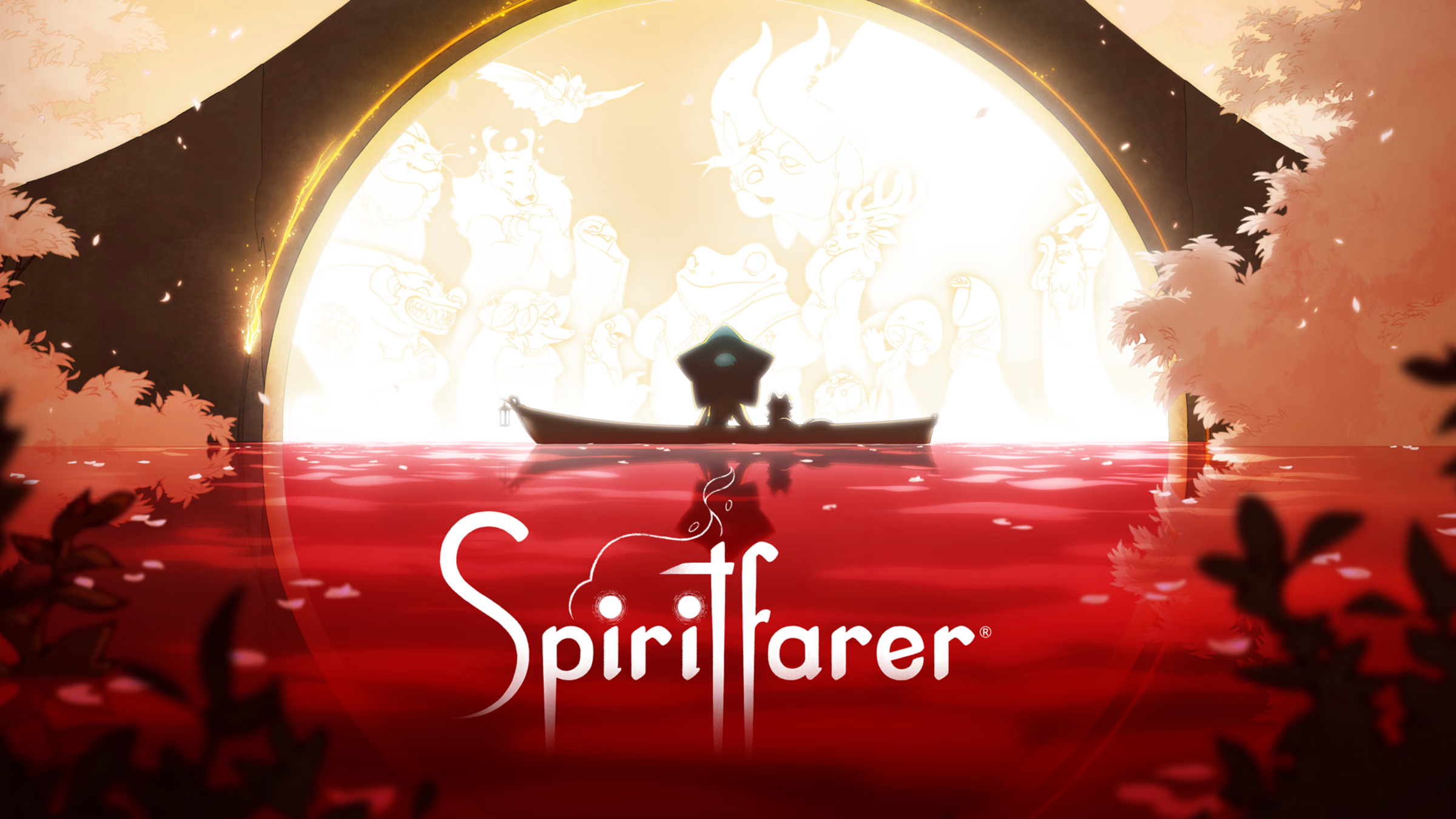
System: Switch, PC, PlayStation, Xbox
Ages: 10+
Why it’s great:
A beautiful and thoughtful game about helping spirits move on—while farming, cooking, and exploring in a world that often feels like eternal fall. It’s touching, gentle, and a great conversation starter for older kids.

Warning: While very peaceful, the game touches on deeper themes like loss and letting go—best for tweens and up.

8. Harvest Moon: One World
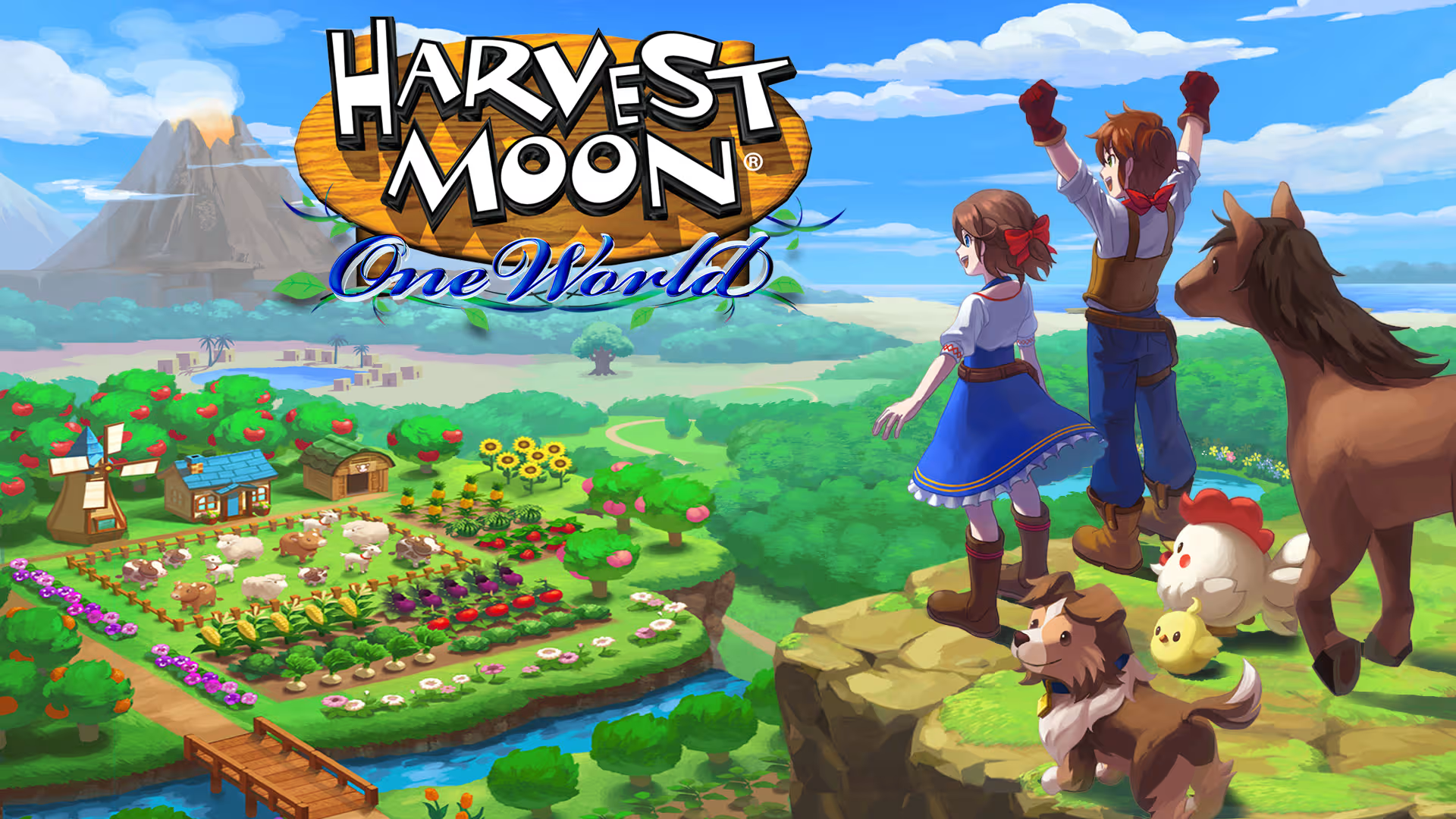
System: Switch, PlayStation, Xbox
Ages: 7+
Why it’s great:
This farming simulator has you traveling through various climates and regions, including autumn-inspired landscapes. Kids can grow crops, raise animals, and explore a vibrant, friendly world.

Classic appeal: Fans of older Harvest Moon games will love the return to familiar rhythms.

9. Pikmin 4
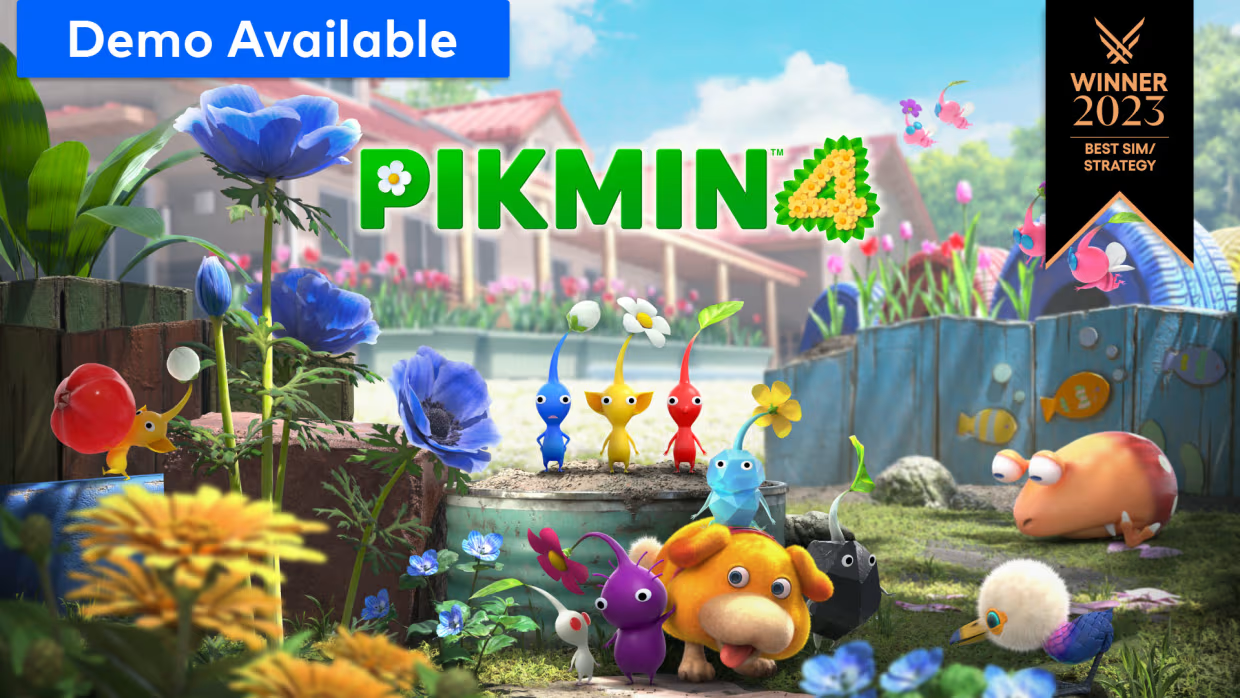
System: Nintendo Switch
Ages: 7+
Why it’s great:
Explore earthy, garden-like worlds full of leaves, acorns, and natural treasures. Pikmin games blend strategy and adventure, and the latest version includes easier controls and adorable helpers.

Fall feeling: The nature-based setting, changing light, and organic textures make it feel like autumn in motion.

10. Minecraft (with Fall or Nature Mods/Packs)
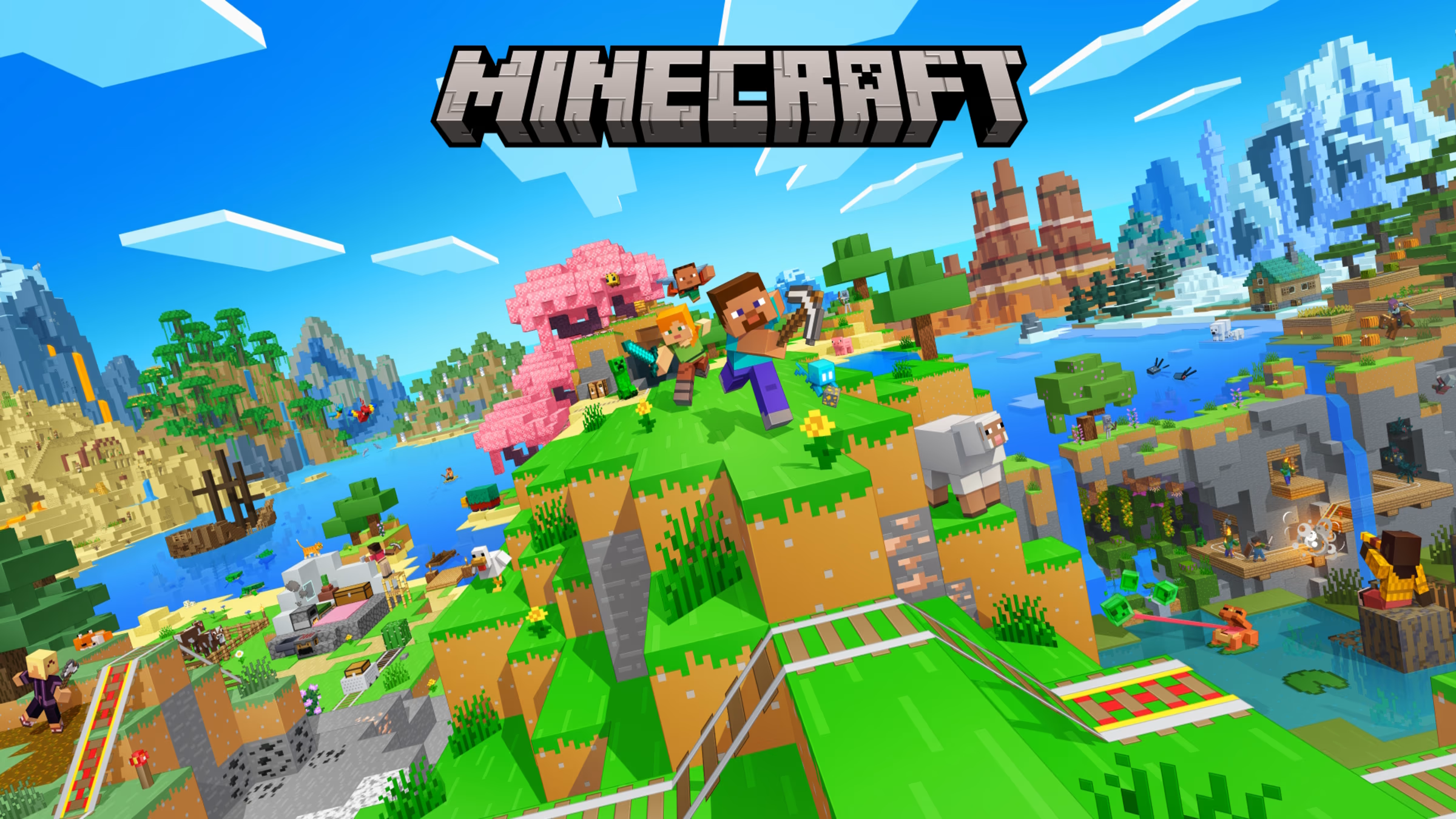
System: All major platforms
Ages: 6+
Why it’s great:
With endless customization, Minecraft becomes the ultimate fall game when you add seasonal texture packs or explore autumn-themed maps. Build pumpkin patches, haunted houses, or cozy cabins together as a family.

Idea: Set up a family “fall build challenge” with themes like campfires, forests, or corn mazes!

Final Thoughts

Fall is about slowing down, getting cozy, and enjoying the simple joys of the season—and these video games capture that spirit beautifully. Whether you’re farming pumpkins, solving puzzles in a spooky mansion, or simply exploring a golden forest, these games offer more than entertainment—they offer connection.

So grab a blanket, sip some cider, and start a new fall family tradition—with a controller in hand and autumn in the air.

Top 10 Classic Video Games to Play with Your Children

Video games aren’t just for solo players or high-score chasers—they can also be a great way to connect across generations. Whether you grew up blowing into cartridges or hearing the dial-up modem whir, sharing classic video games with your kids is a fun way to relive your own childhood while introducing them to the roots of modern gaming.

These 10 classic video games are not only iconic, but also kid-friendly, easy to pick up, and packed with timeless fun. Grab a controller, sit side by side, and get ready for some epic family game time.

1. Super Mario Bros. (NES/SNES, Switch Online)

Ages: 5+
Why it’s great: It’s the game that defined platforming—and it’s still incredibly fun. Simple to learn, but challenging to master, Super Mario Bros. is perfect for young kids just learning the ropes, and parents who want a hit of pure nostalgia.

Pro tip: Try Super Mario Bros. 3 or Super Mario World for more variety and two-player fun.

2. Sonic the Hedgehog (Genesis, Switch, iOS)

Ages: 6+
Why it’s great: Fast, colorful, and bursting with energy, Sonic is great for kids who love quick action and bright visuals. Plus, you can take turns or play co-op in later titles like Sonic 2.

Fun fact: Sonic’s speed makes it especially fun for younger kids who like constant movement.

3. Donkey Kong Country (SNES, Switch Online)

Ages: 7+
Why it’s great: This beautifully animated side-scroller has aged incredibly well. With tag-team play between Donkey and Diddy Kong, it’s perfect for cooperative gameplay and sharing turns.

Bonus: The soundtrack is legendary—seriously, give it a listen even if you’re not playing!

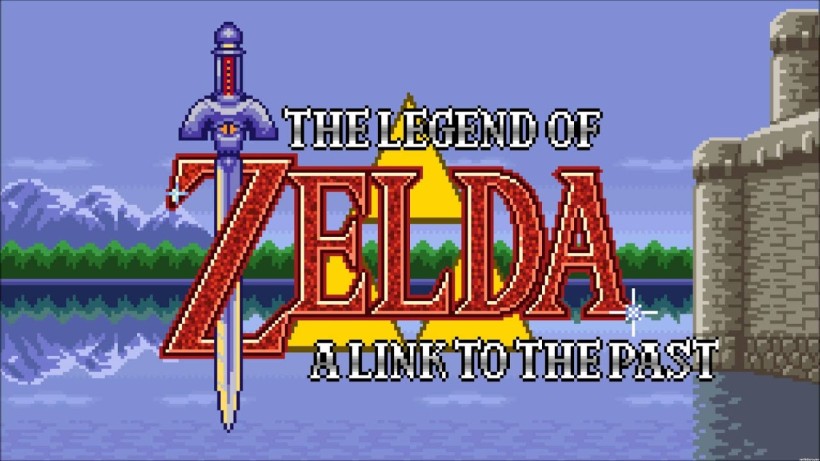
4. The Legend of Zelda: A Link to the Past (SNES, Switch Online)

Ages: 8+
Why it’s great: Introduce your kids to the world of puzzles, dungeons, and sword-swinging adventure. A Link to the Past is a perfect starting point for the Zelda series, and playing through it together can feel like reading a great fantasy book.

Family idea: Take turns solving puzzles or navigating dungeons—it’s a great team challenge.

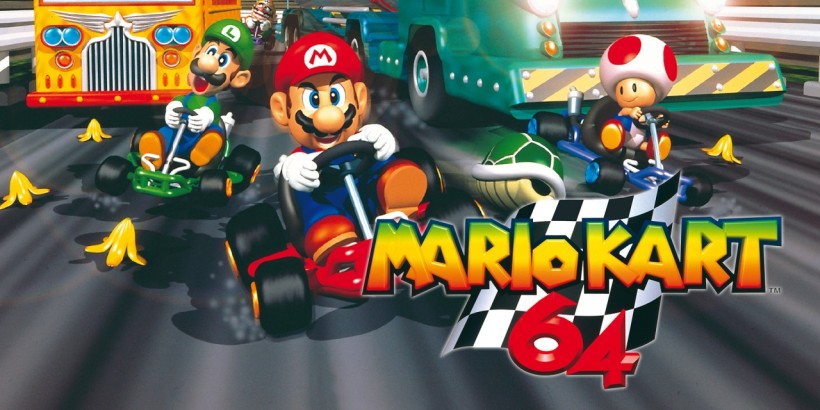
5. Mario Kart 64 (N64, Switch Online Expansion Pack)

Ages: 5+
Why it’s great: Few games spark as much joy and chaos as Mario Kart. The 64 version is packed with classic tracks and couch co-op fun. It’s easy enough for young players but competitive enough for parents to enjoy too.

Warning: May cause uncontrollable laughter and mild banana-related frustration.

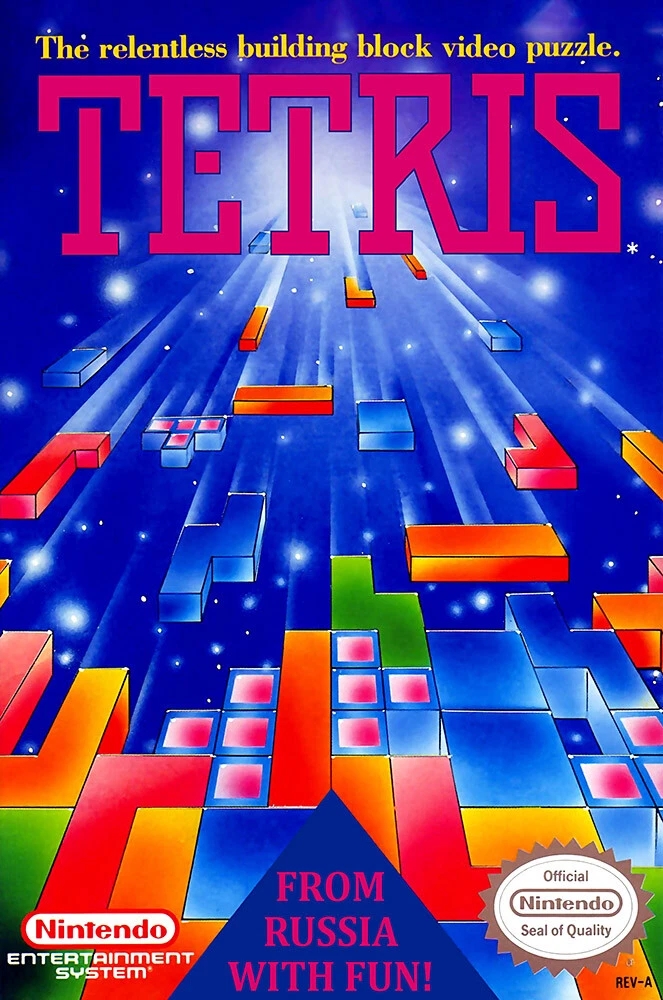
6. Tetris (NES/Game Boy, Switch Online)

Ages: 6+
Why it’s great: A puzzle game with infinite replayability. Whether you’re playing solo or in head-to-head modes (Tetris 99 is great too), it sharpens spatial reasoning and strategy without fast reflexes.

Educational angle: Helps develop pattern recognition and problem-solving skills.

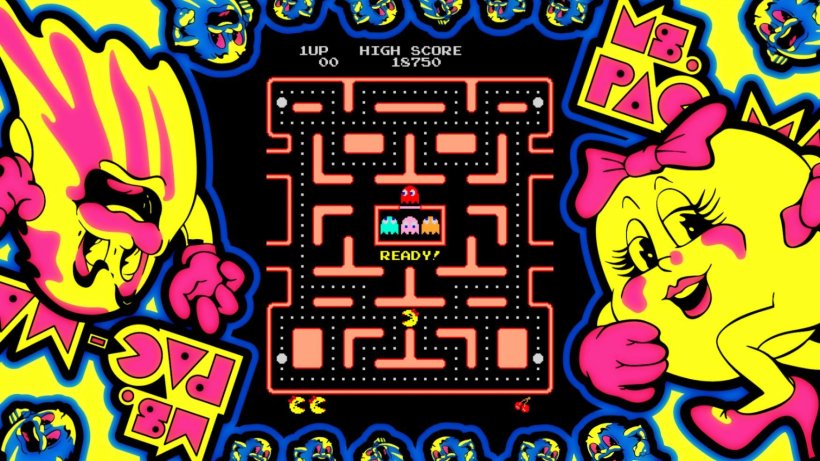
7. Ms. Pac-Man (Arcade, Various Consoles, and Apps)

Ms. Pac-Man (Arcade, Various Consoles, and Apps)
Ages: 4+
Why it’s great: With simple, intuitive mechanics, Ms. Pac-Man offers endless challenge and fun. The goal is just as easy to grasp: eat the dots, avoid the ghosts, but the gameplay is slightly more dynamic and exciting than its predecessor. With random maze layouts and faster-paced action, it keeps players on their toes. Great for quick gaming sessions and taking turns!

Tip: Ms. Pac-Man’s unpredictability makes it a more thrilling choice for those seeking a bit more of a challenge than the original Pac-Man.

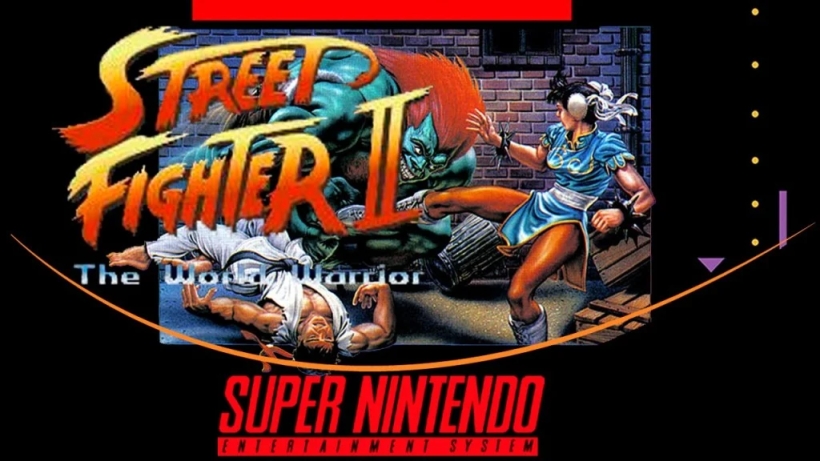
8. Street Fighter II (SNES, Arcade1Up, Switch)

Ages: 10+
Why it’s great: Great for older kids, this classic fighting game is easy to pick up but layered with strategy. Plus, it’s a blast to button mash in two-player mode (just keep it friendly!).

Tip for parents: Turn it into a lesson in digital sportsmanship and fair play.

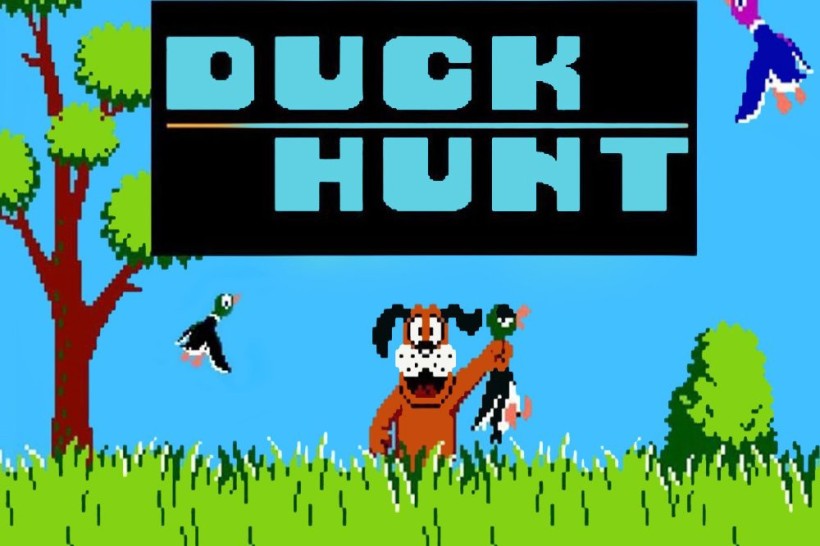
9. Duck Hunt (NES, with CRT TV or emulator)

Ages: 5+
Why it’s great: Simple shooting mechanics and that cheeky dog make Duck Hunt a retro gem. If you have the right setup (or a modern version), it’s a hit with younger kids.

Pro tip: Kids love it when the ducks fly erratically—lots of laughs!

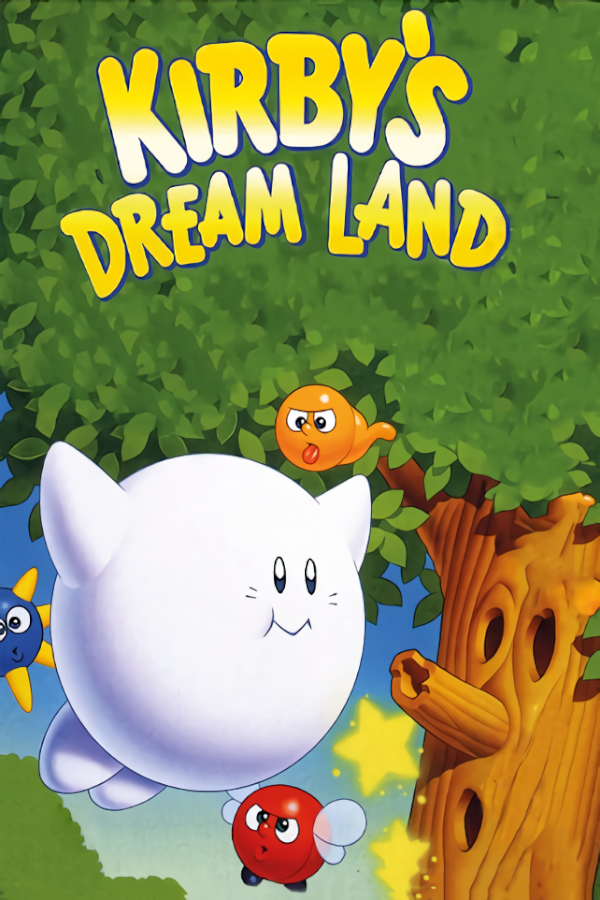
10. Kirby’s Dream Land (Game Boy, Switch Online)

Ages: 4+
Why it’s great: With its adorable design and forgiving gameplay, Kirby’s Dream Land is ideal for beginners. It’s perfect for introducing very young gamers to basic platforming without frustration.

Bonus: Kirby games tend to be short, so they’re great for a quick “gaming snack.”

Final Thoughts

Playing classic video games with your kids isn’t just about hitting high scores—it’s about sharing something you love, laughing at goofy moments, and learning to work (or race) together. These games might be decades old, but their magic still shines.

So dust off that controller, fire up the retro console (or emulator or app), and press “Start” on a family-friendly adventure that bridges generations.

How to Make Family Game Nights a Weekly Routine (That Everyone Looks Forward To)!

In today’s fast-paced world, it’s all too easy for quality family time to slip between schoolwork, chores, and screen time. That’s why family game night is such a game-changer (pun intended). It offers a regular, low-pressure way to connect, laugh, and make memories—without leaving the house or spending a fortune.

But like any good habit, making game night a consistent routine takes a bit of planning and flexibility. Here’s how to make it happen—and how to make it stick.

1. Pick a Night and Stick With It (Mostly)

Consistency is key. Choose a night that works for everyone and pencil it in like any other appointment. Friday or Sunday evenings work well for many families, but even a Monday night wind-down can work—just make it your own.

Pro tip: Call it something fun like “Friday Night Family Face-Off” or “Sunday Game Night Showdown” to build excitement.

2. Keep It Low-Key and Low-Stress

Family game night doesn’t have to be fancy. Turn off the devices, clear the table, and pull out a favorite game or two. The point is togetherness—not perfection.

Optional bonus: Pair it with pizza or snacks to make it feel special without a lot of prep.

3. Let Everyone Take Turns Choosing the Game

Rotating who gets to pick the game helps kids feel ownership and ensures variety. It also gives everyone a chance to play their favorite type of game—whether it’s silly, strategic, or cooperative.

Tip for fairness: Create a simple “game night picker” wheel or draw names from a jar.

4. Mix It Up With Different Types of Games

Keep things fresh with a mix of:

  • Quick games for busy nights (Uno, Spot It, Zingo)
  • Strategy games for older kids (Ticket to Ride, Catan Junior)
  • Cooperative games that encourage teamwork (Outfoxed!, Hoot Owl Hoot!)
  • Party-style games for lots of laughter (Charades, Pictionary)

Theme nights can add extra fun too—like “Card Game Night” or “Retro Game Night.”

5. Set the Mood

Create a cozy, inviting atmosphere. Dim the lights a bit, play some background music, and bring out blankets or floor cushions. Even small touches can make it feel like a special event.

Simple ideas: Use a “Game Night” sign, hang fairy lights, or light a candle.

6. Focus on Fun, Not Winning

It’s easy for competitiveness to take over, especially with older kids (or, let’s be honest, grown-ups). Remind everyone that the goal is fun and connection, not domination.

Try this: Occasionally play cooperative games or make up silly “bonus points” for good teamwork or sportsmanship.

7. Be Flexible (and Forgiving)

Not every week will be perfect. Life gets busy, moods shift, and sometimes a game will end in giggles—and other times in groans. That’s okay. Keep the tradition alive even if it’s just for 20 minutes or if you skip a week and come back to it later.

The key: Stick with it over time—it becomes more meaningful the longer it lasts.

8. Celebrate the Wins—Big and Small

Create little rituals like taking a “champion’s photo,” making a mini-trophy, or giving out fun titles (“Best Team Player,” “Silliest Voice,” “Card Shark”). These moments build positive memories and traditions your kids will remember for years.

Bonus: Let kids create a game night scrapbook or scoreboard.

Final Thoughts

Family game night doesn’t require hours of free time or expensive games. It just takes commitment, a dash of creativity, and a willingness to be present. Over time, it becomes more than just a night of entertainment—it becomes a tradition of laughter, learning, and connection.

So this week, pick a night, pick a game, and gather around the table. Let the dice roll and the good times begin!

How to Create a Family Media Plan That Works!

Let’s face it—technology is everywhere, and managing screen time has become one of the most common (and exhausting) conversations in modern parenting. But here’s the good news: creating a family media plan doesn’t have to feel like a battle. With a little structure and open communication, you can build a plan that supports healthy habits and keeps everyone in your home on the same page.

Here’s how to create a family media plan that actually works for your unique household.

What Is a Family Media Plan?

A family media plan is a shared set of guidelines that helps families manage how, when, and why media is used at home. It covers screen time, device use, content choices, and how tech fits into your family’s values.

Think of it as your household’s “tech mission statement” – designed to promote balance, protect mental health, and build trust between parents and kids.

Step 1: Involve the Whole Family

Before setting rules, include your kids in the conversation. Ask questions like:

  • What do you love doing online?
  • What shows or games make you feel good—or not so good?
  • How does screen time affect your sleep, school, or mood?

This opens the door to honest conversations and gives kids ownership in the plan, making them more likely to respect it.

Step 2: Set Clear (and Age-Appropriate) Limits

Every family is different, but here are some starting points to consider:

  • Preschoolers (ages 2–5): 1 hour per day of high-quality content.
  • Kids 6–12: Prioritize balance with homework, sleep, and play.
  • Teens: Encourage screen self-awareness and time boundaries.

💡 Pro Tip: Don’t just say “1 hour of screen time.” Be specific:
“30 minutes of games after homework, 30 minutes of YouTube before dinner.”

Step 3: Define Screen-Free Zones and Times

Boundaries work best when they’re simple and consistent. Try these:

  • 📵 No phones at the dinner table.
  • 😴 No screens 1 hour before bed.
  • 🚗 No personal devices in the car (unless it’s a road trip).
  • 🛋️ Family movie nights = no second screens.

Create tech-free zones in bedrooms, bathrooms, and family meals to encourage connection and reduce overuse.

Step 4: Focus on Quality, Not Just Quantity

Not all media is created equal. Help your kids:

  • Choose educational and enriching content.
  • Watch shows or play games that align with your family’s values.
  • Avoid content with heavy advertising, violence, or negative messaging.

Use resources like Common Sense Media to check ratings and reviews before watching something new.

Step 5: Keep the Conversation Going

A media plan isn’t “set it and forget it.” As your kids grow, their interests—and responsibilities—change too. Set aside time every few months to revisit the plan and adjust together.

Ask:

  • Is this plan still working for us?
  • What’s changed in your school, friendships, or schedule?
  • Are there new apps, games, or shows we should talk about?
Free Tools to Help You Get Started
  • American Academy of Pediatrics Media Plan Tool
  • Printable Media Contract for Kids & Teens
  • App/Screen Time Trackers like Apple Screen Time or Google Family Link
Sample Family Media Plan Rules

Here’s an example you can edit:

RuleWho It Applies ToNotes
No devices during mealsEveryoneEncourages family conversation
Screen time ends at 8 PMKids under 12To protect sleep hygiene
1 hour of screen time on school daysAll kidsHomework must be done first
Movies must be approvedKidsUse reviews or previews first
Unlimited educational gamesAllMust still include outdoor time
Final Thoughts

The goal of a family media plan isn’t to be overly strict—it’s to create a healthy, thoughtful relationship with technology. By setting expectations and checking in regularly, you can help your kids grow into mindful digital citizens and keep your household running a little smoother.

What Works for You?

Have you tried a media plan in your home? What rules or ideas helped your family the most? Share your thoughts in the comments—we’d love to hear your tips!

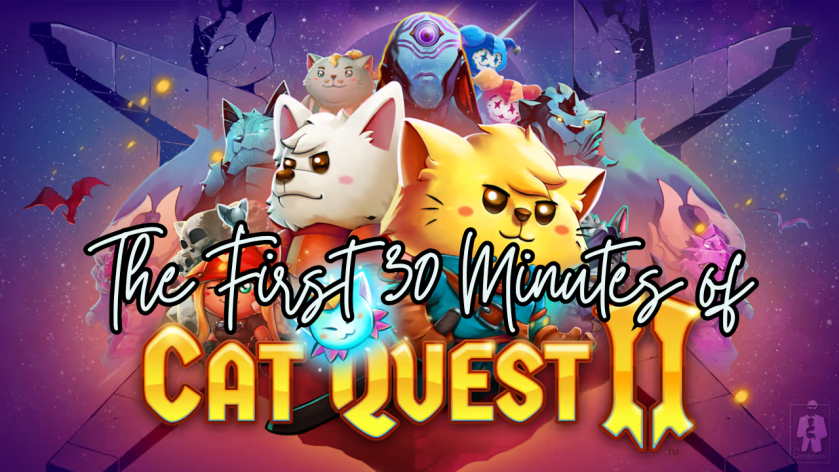
The First 30 Minutes of Cat Quest II

Have you ever been undecided on what to play next? 

Should you buy that game? Should you install that game?

I’ve been there, and sometimes you just need to take a look at the graphics, hear the music, and learn a little about the plot to see if it resonates with you before taking the next step. I’m here to help! I am creating the first 30 to the first 60 minute videos of games; indie and mainstream, new and old!

This week let’s take a look at the first 30 minutes of Cat Quest II…

Do you want to play the rest? 

The First 30 Minutes of Cat Quest

Have you ever been undecided on what to play next? 

Should you buy that game? Should you install that game?

I’ve been there, and sometimes you just need to take a look at the graphics, hear the music, and learn a little about the plot to see if it resonates with you before taking the next step. I’m here to help! I am creating the first 30 to the first 60 minute videos of games; indie and mainstream, new and old!

This week let’s take a look at the first 30 minutes of Cat Quest…

Do you want to play the rest? 

The First 30 Minutes of Stray

Have you ever been undecided on what to play next? 

Should you buy that game? Should you install that game?

I’ve been there, and sometimes you just need to take a look at the graphics, hear the music, and learn a little about the plot to see if it resonates with you before taking the next step. I’m here to help! I am creating the first 30 to the first 60 minute videos of games; indie and mainstream, new and old!

This week let’s take a look at the first 30 minutes of Stray…

Do you want to play the rest? 

The First 60 Minutes of Hello Kitty Island Adventure

Have you ever been undecided on what to play next? 

Should you buy that game? Should you install that game?

I’ve been there, and sometimes you just need to take a look at the graphics, hear the music, and learn a little about the plot to see if it resonates with you before taking the next step. I’m here to help! I am creating the first 30 to the first 60 minute videos of games; indie and mainstream, new and old!

This week let’s take a look at the first 60 minutes of Hello Kitty Island Adventure…

Do you want to play the rest? 

The First 30 Minutes of LEGO Horizon Adventures

Have you ever been undecided on what to play next? 

Should you buy that game? Should you install that game?

I’ve been there, and sometimes you just need to take a look at the graphics, hear the music, and learn a little about the plot to see if it resonates with you before taking the next step. I’m here to help! I am creating the first 30 to the first 60 minute videos of games; indie and mainstream, new and old!

This week let’s take a look at the first 30 minutes of LEGO Horizon Adventures…

Do you want to play the rest? 

Horizon: Forbidden West – Bag Upgrades Revisited

If there’s one thing I do when I play a game (besides trying to relax and enjoy myself), it’s look up information. I get curious or stuck, and I find myself turning to the internet for answers. There are a lot of good guides out there that are super helpful, but what I don’t see are an abundance of simple and clean visual guides that lay out all the information in one place.

I’ve finished playing Horizon: Forbidden West and I have to say that Aloy has to be one of my favorite female protagonists in video games. She’s so clever, resilient, and that hair is a work of art! Since Horizon: Zero Dawn, I have been fascinated with this world Guerrilla has created and cannot wait for more!

I’ve created upgrade guides for all of Aloy’s baggage! These visual or infographic guides are separated into ammunition holster and quivers, ammunition satchels, and resource pouches. Each bag details what is needed to level it up, and what statistics leveling it up will increase!

Please let me know if you would like me to work on a guide for the other collectibles within Horizon: Forbidden West or if there are any games you would like to see visual information or guides for in the future! I love helping people, discussing games and organizing information!